Create AI Videos and Images with FastMoro AI
Create videos and images with leading AI models, practical tools, and trending effects—all in one studio.
New Models
View all models
ChatGPT Images 2.5
Discover sharper detail, faithful references, precise edits, and the Flare and Sunburst API profiles.
Seedance 2.5
ByteDance Seedance 2.5 for longer native 4K AI video.
MiniMax H3
Open full-modal video model with native 2K output and dual-channel audio.
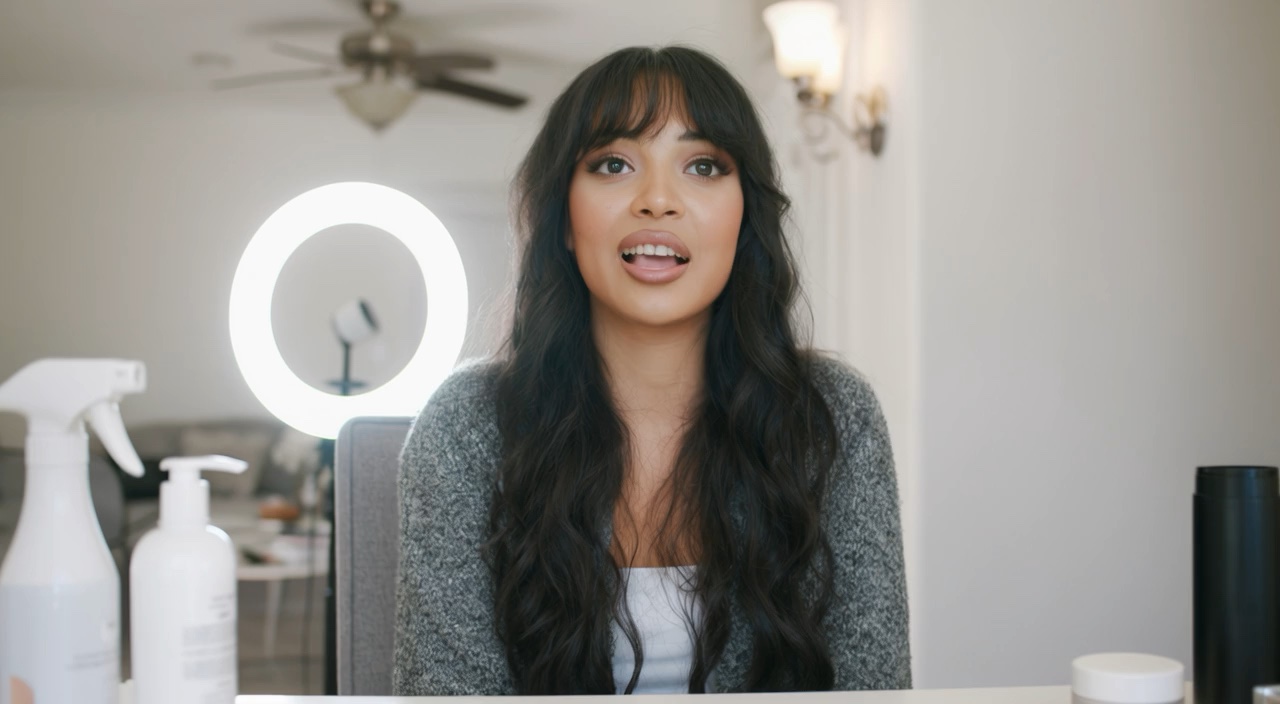
Grok Imagine Video 1.5
xAI image-to-video model for turning a still into motion.
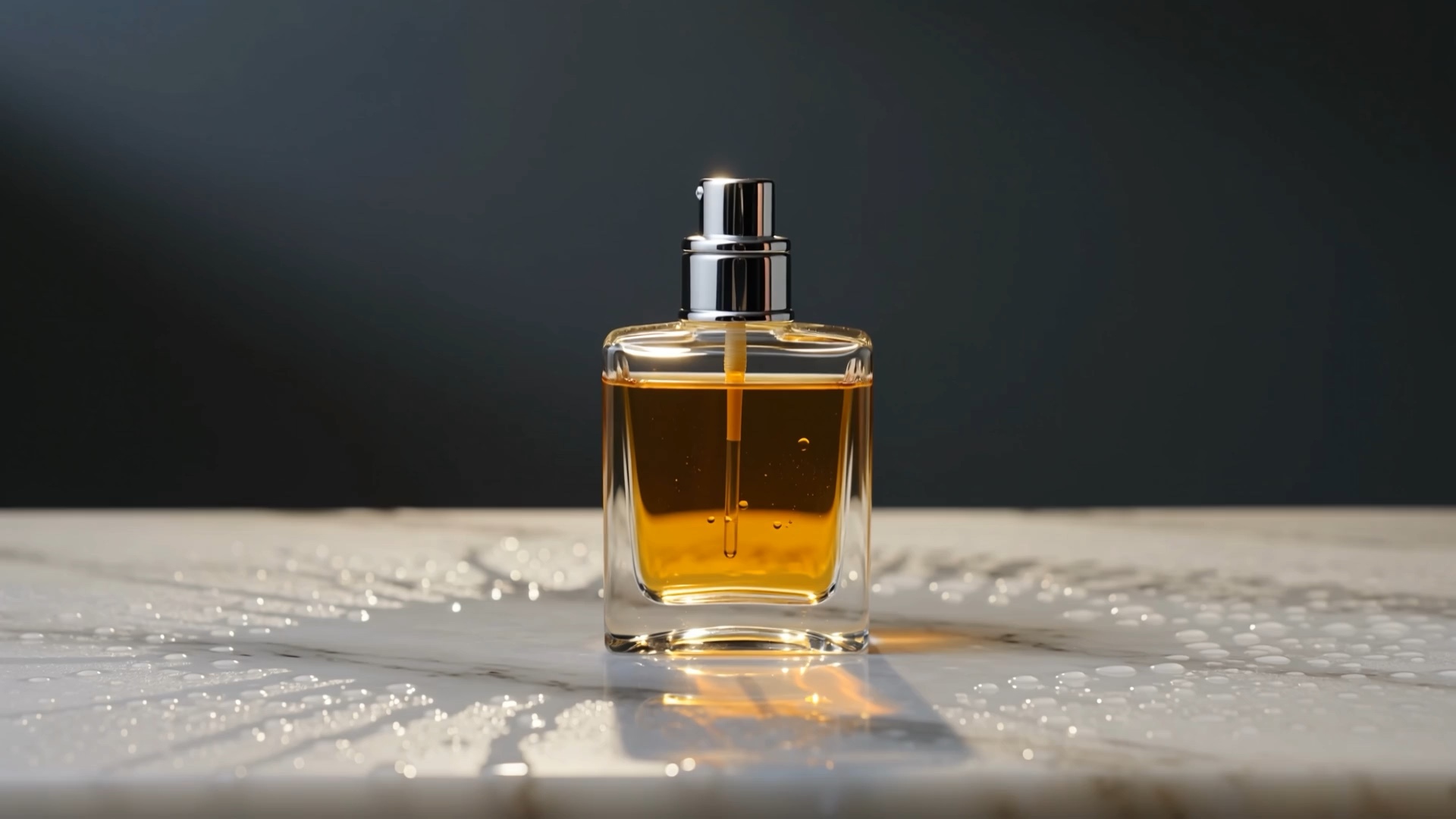
HappyHorse 1.1
Short-form cinematic video with native audio and lip-sync.
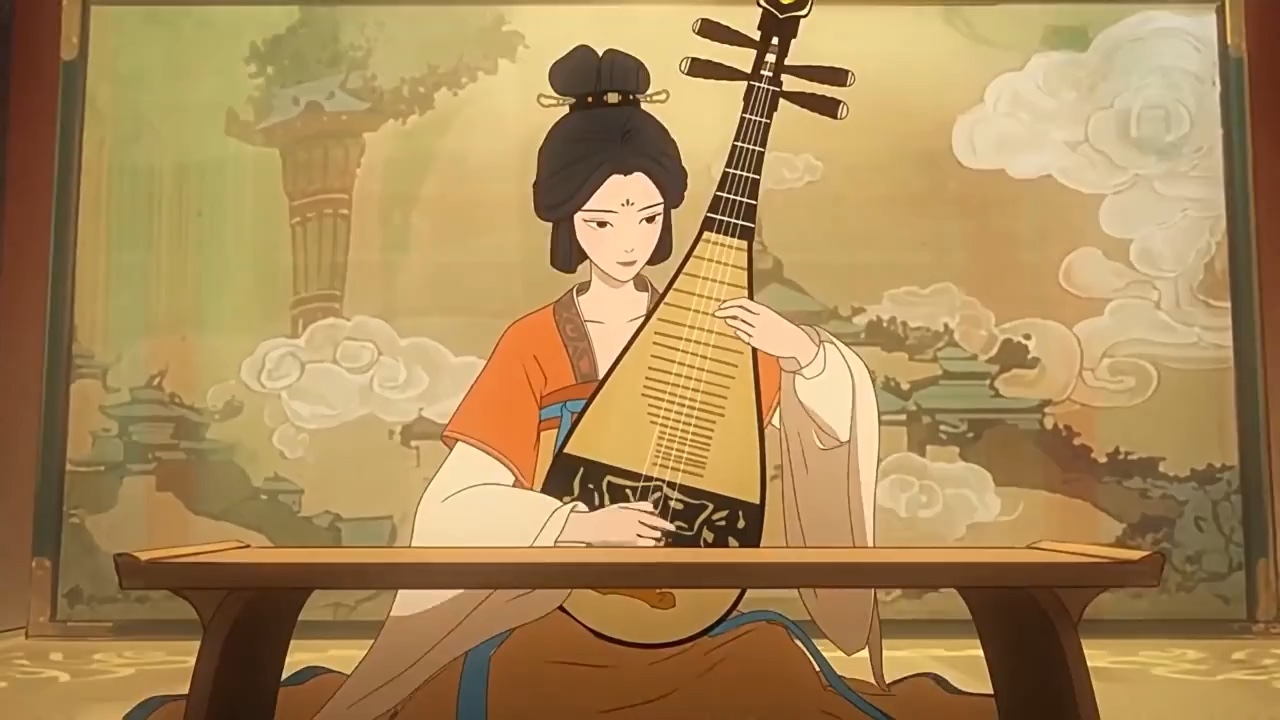
Wan 3.0
Alibaba Wan 3.0 video model with native audio and reference consistency.
AI Effects
View all AI effects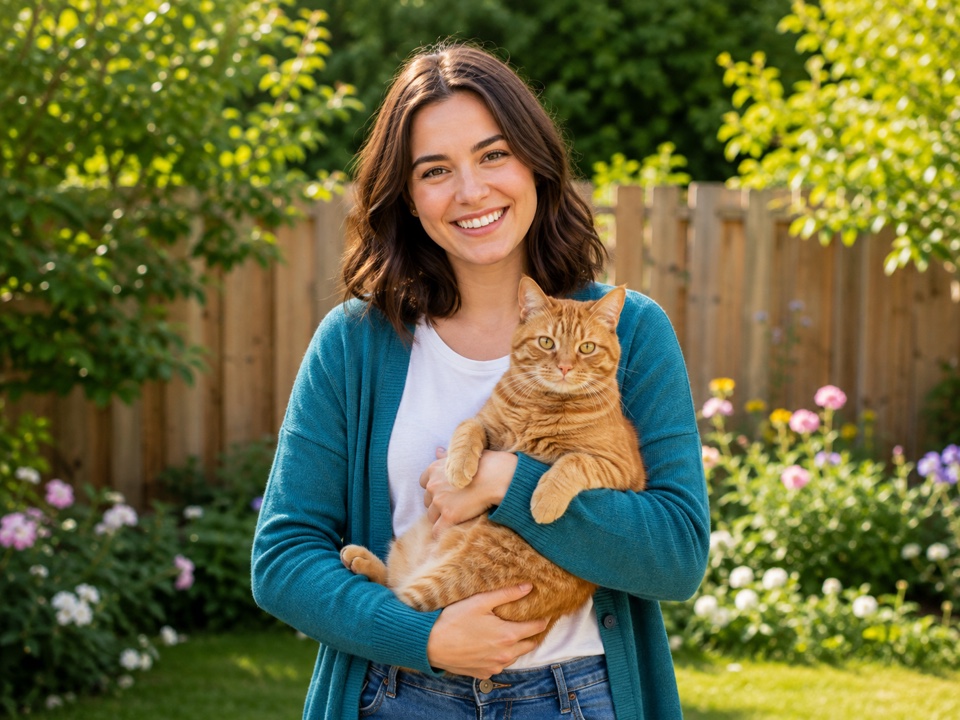
Popular Tools
View all tools
Video Depth Map Generator
Turn a short clip into a per-frame depth map video with three model tiers.
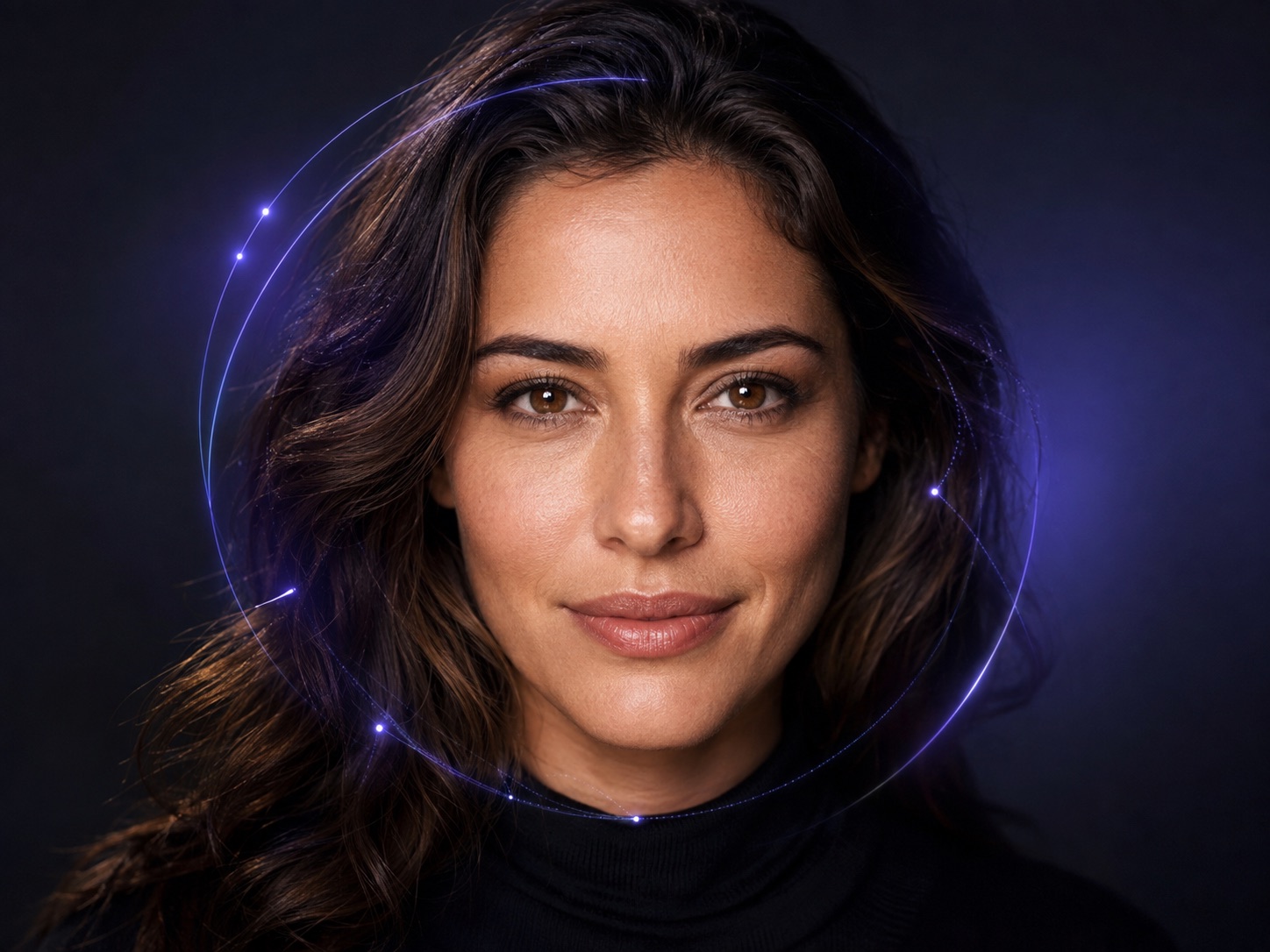
AI Age Guesser
See how old a portrait looks with a visual AI estimate.
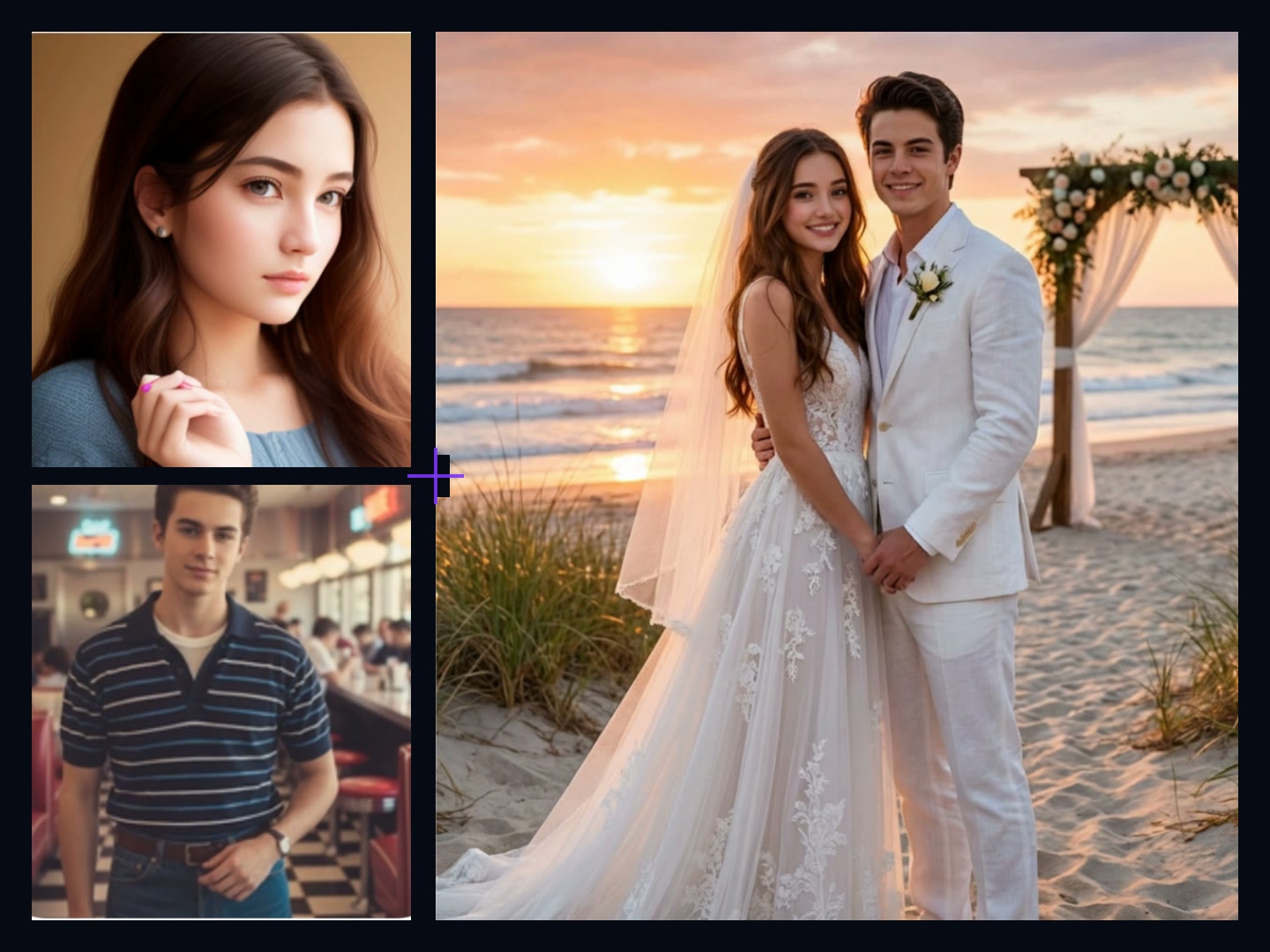
AI Image Combiner
Combine people, products, and backgrounds into one image.
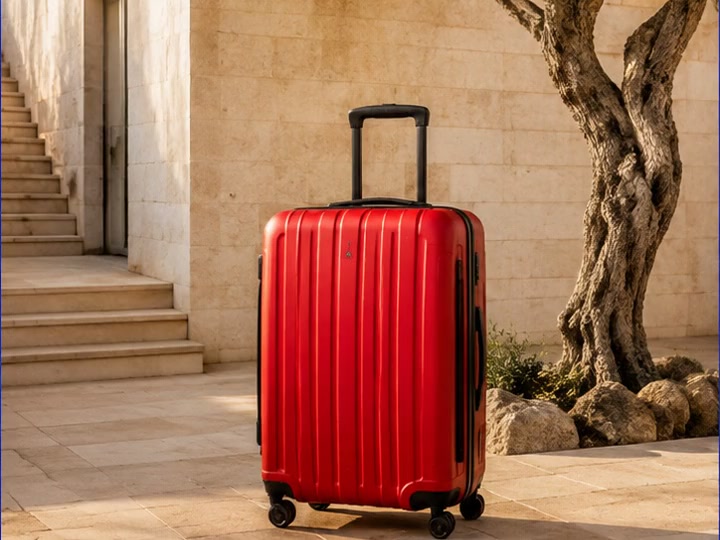
Video Object Remover
Remove a person, logo, or object from a short video clip.
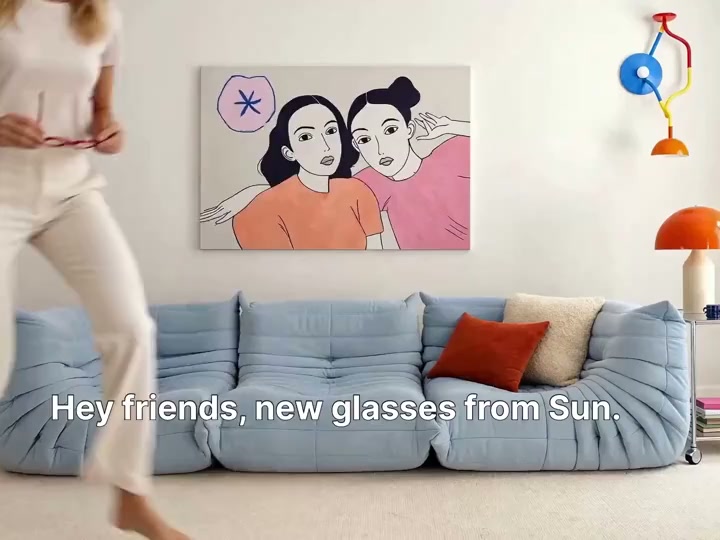
Video Text Remover
Erase hard subtitles and on-screen text from a selected area.
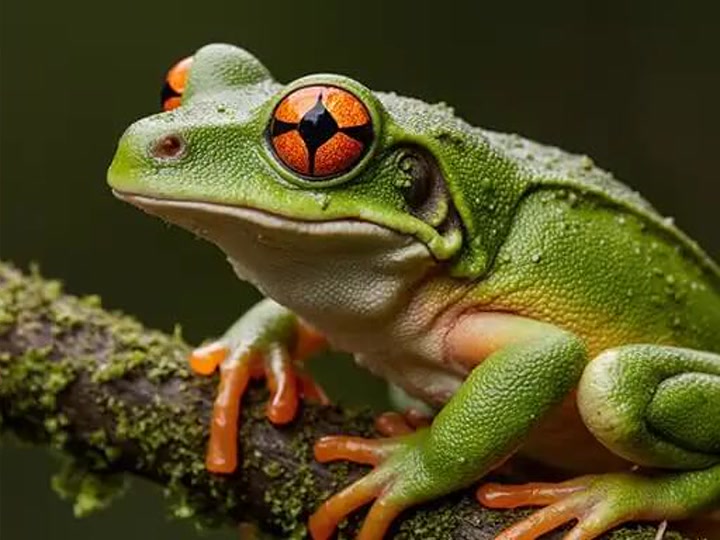
Image Quality Enhancer
Sharpen and upscale a photo with Topaz Image Upscale.
Create Videos and Images in One Studio
Five focused workflows cover the journey from first prompt to polished result. Pick a capability, open the Studio, and start creating.
Text to Video
Turn written prompts into cinematic, dynamic scenes. Our models understand nuance, lighting, and camera motion—so a single idea becomes a polished clip.
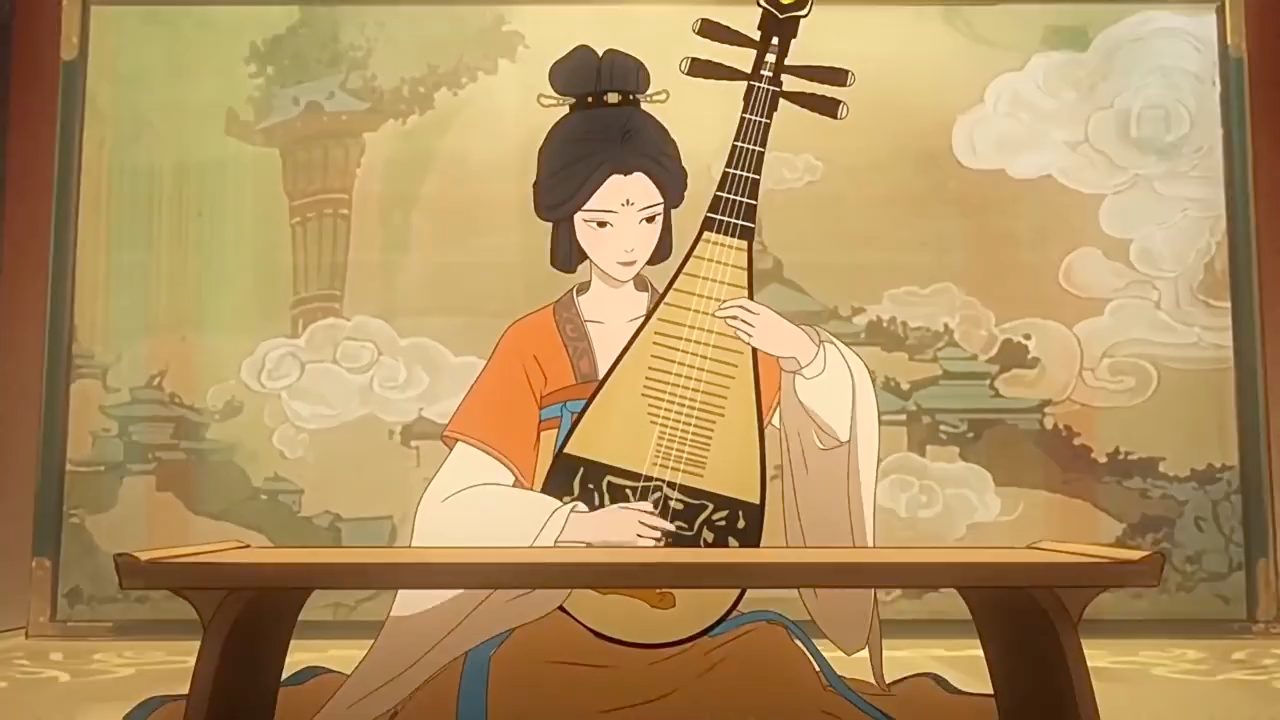
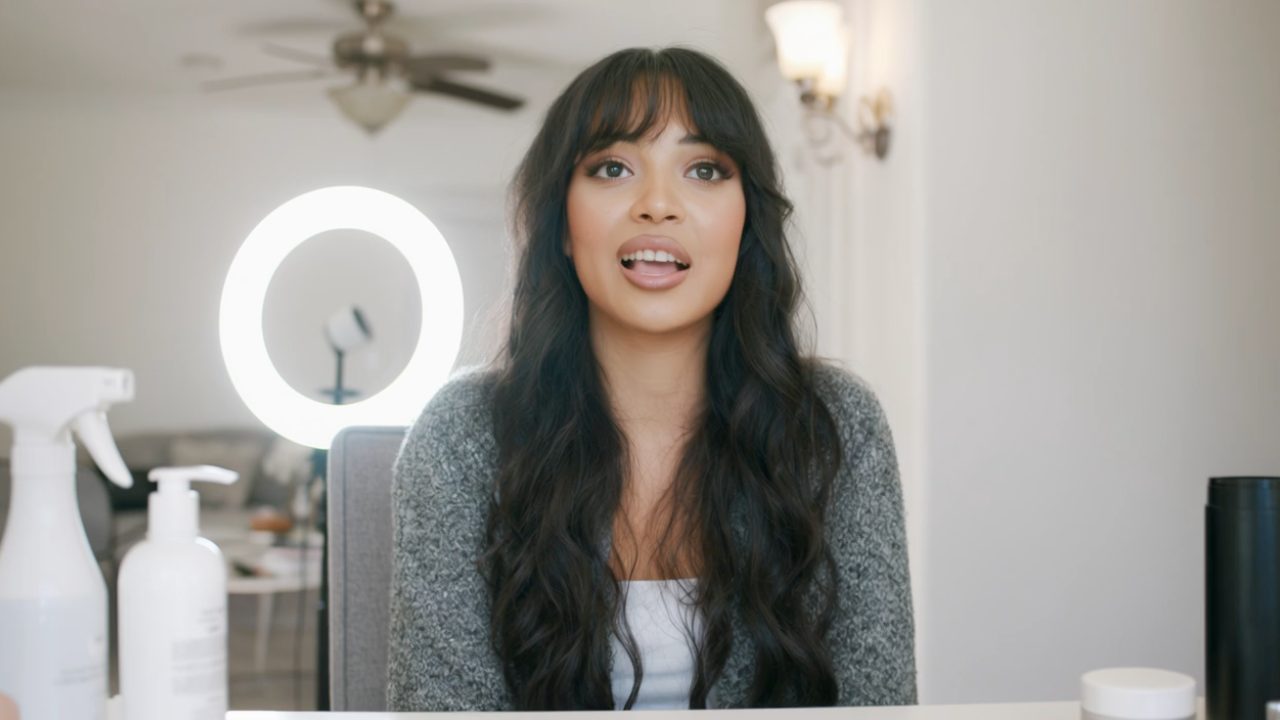
Image to Video
Animate any still photo into fluid, lifelike motion. Upload an image and watch it come alive while staying true to the original composition.
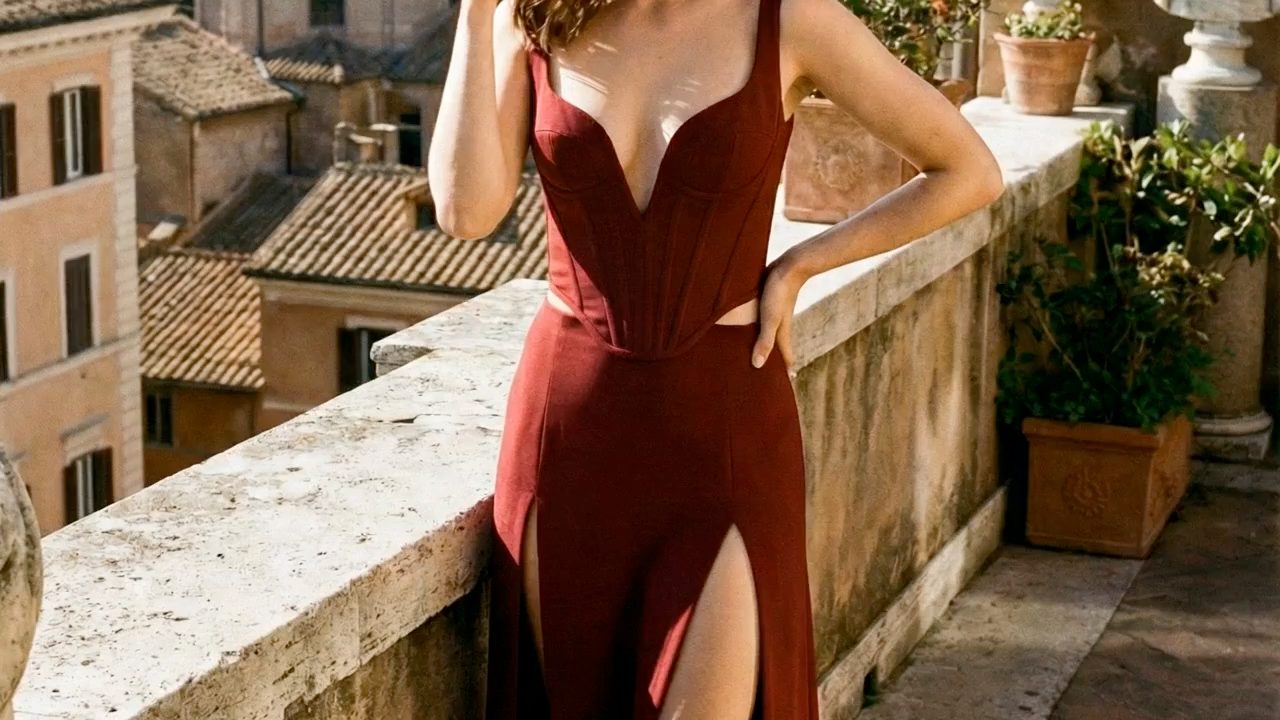
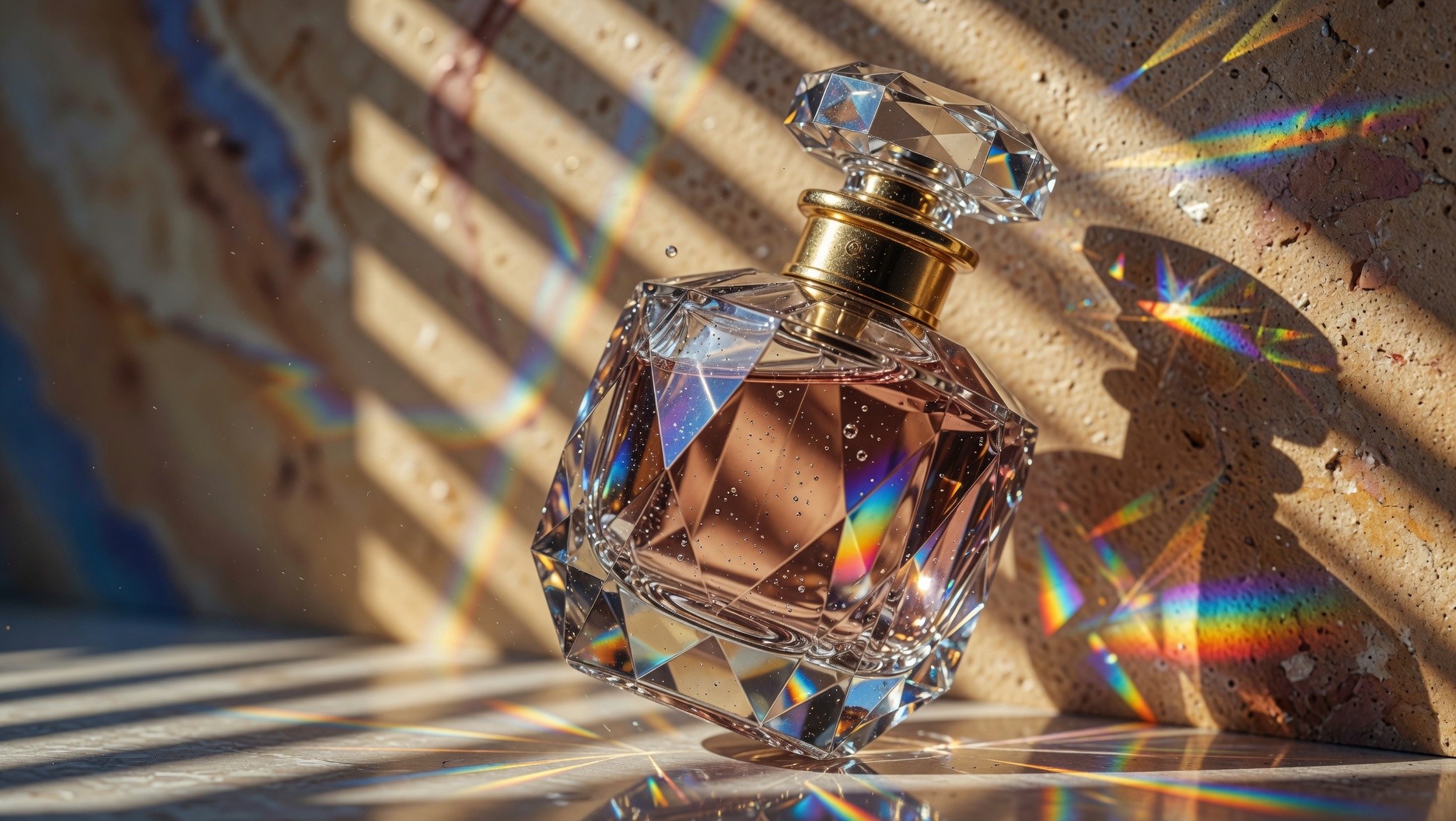
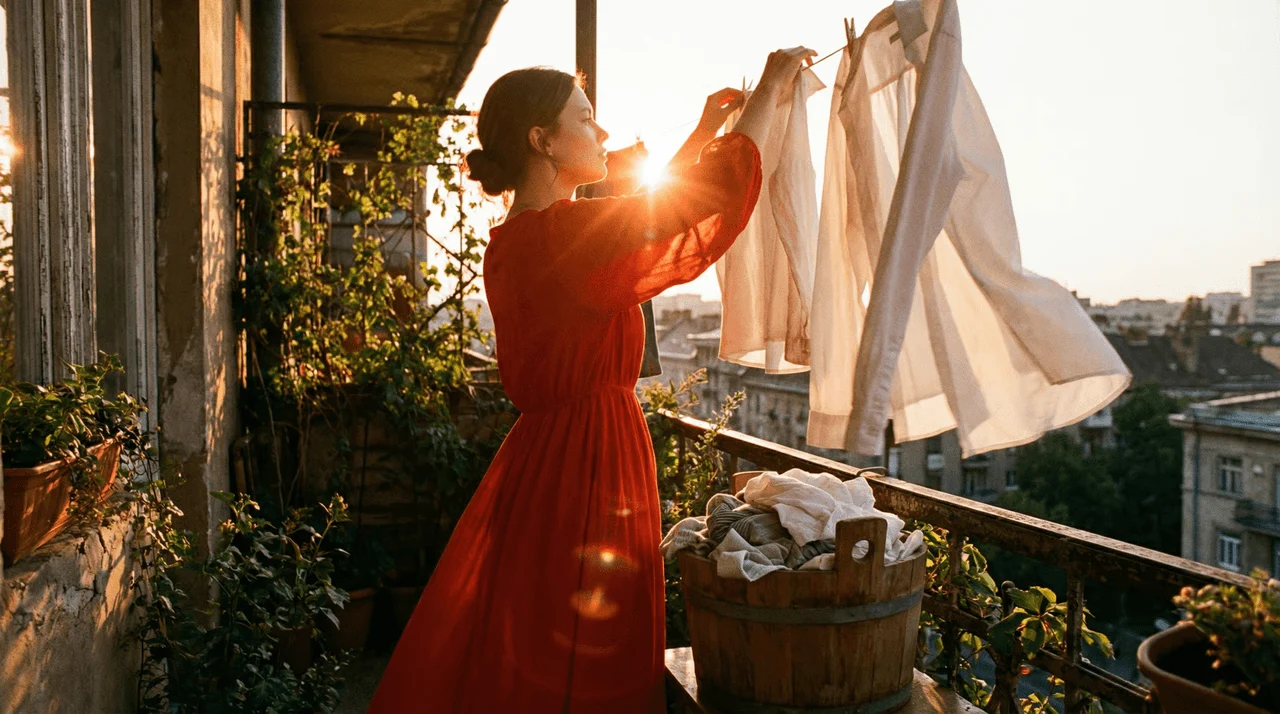
Reference to Video
Keep characters, colors, and style consistent across every shot. Provide a reference and direct the result with confidence.
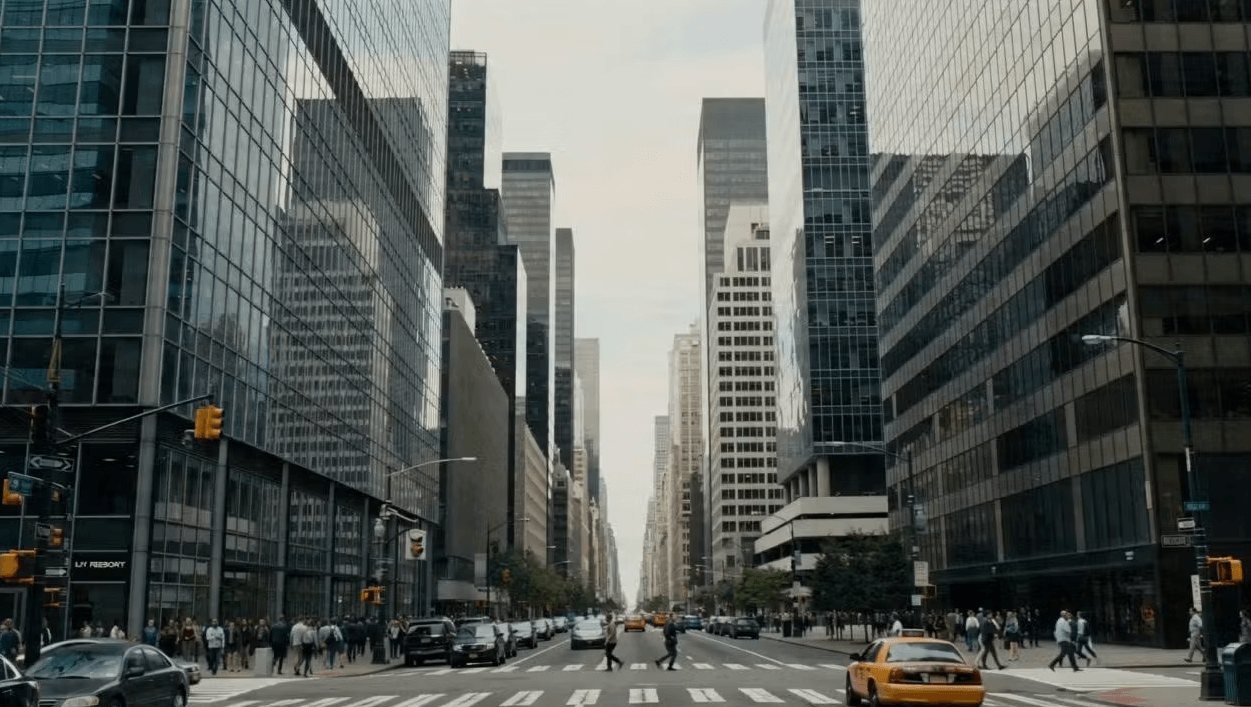
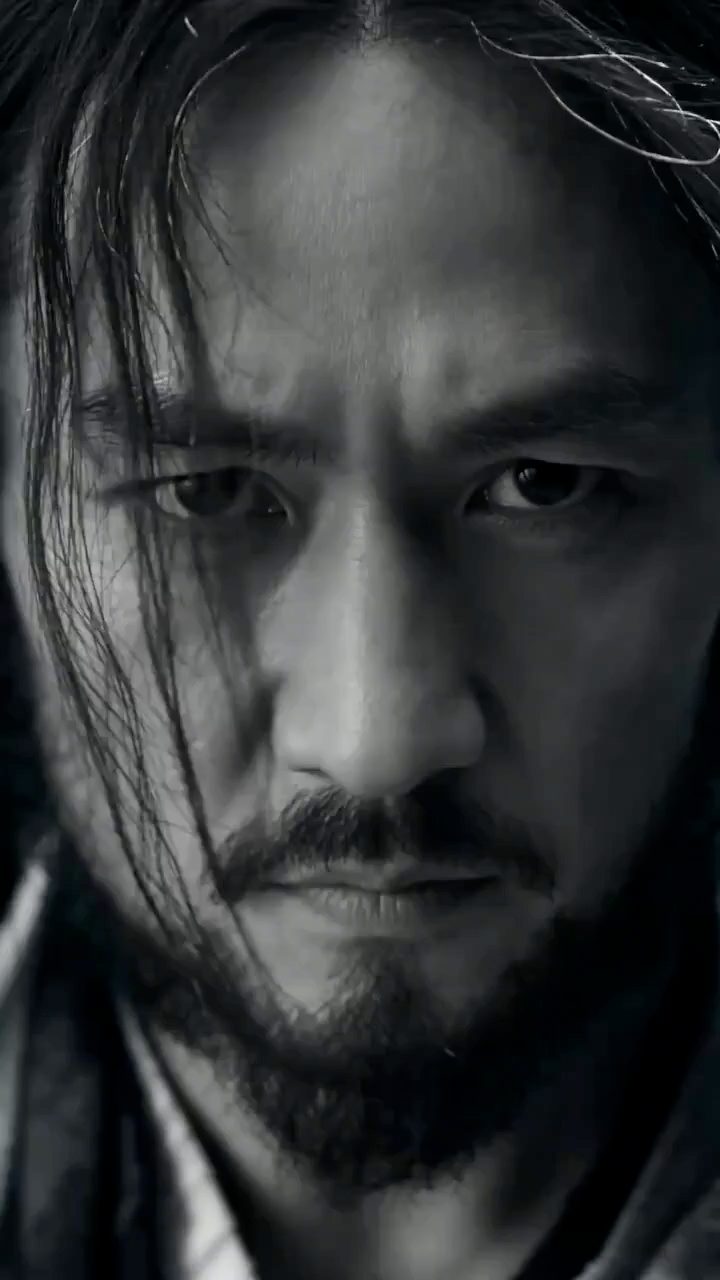
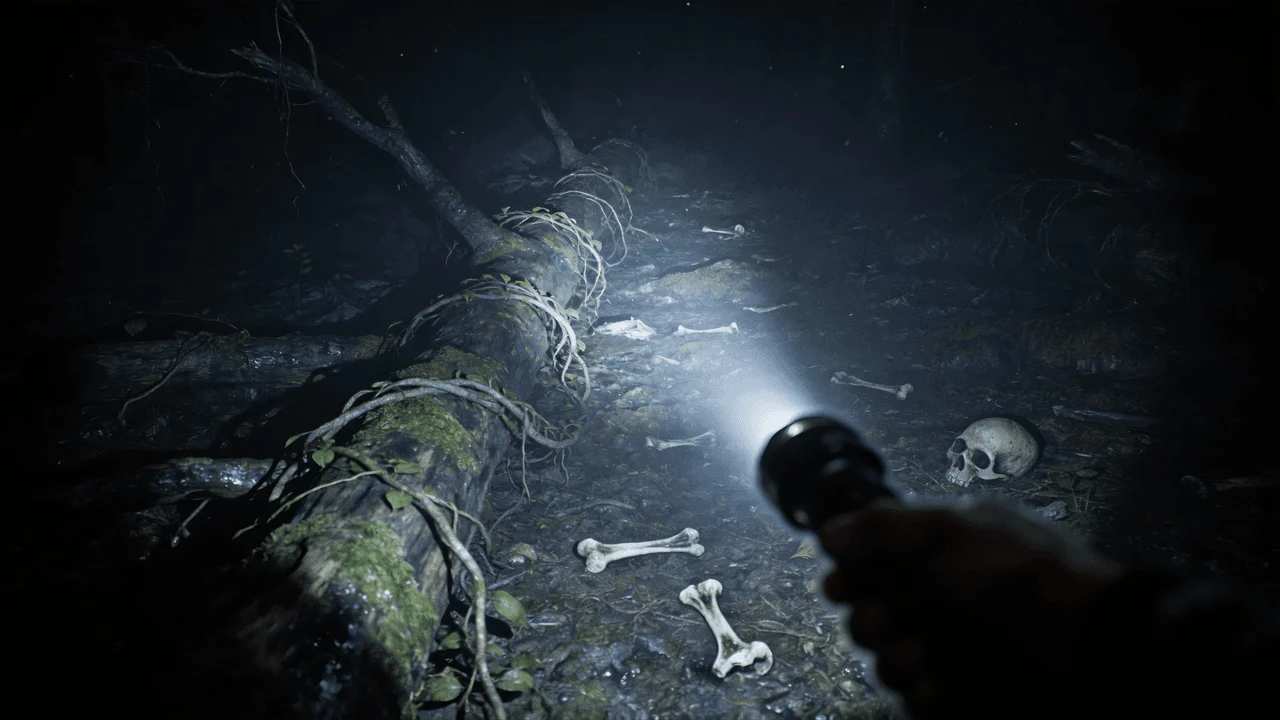
Text to Image
Generate publication-quality images from a single prompt—photorealistic portraits, product shots, fantasy landscapes, and more.
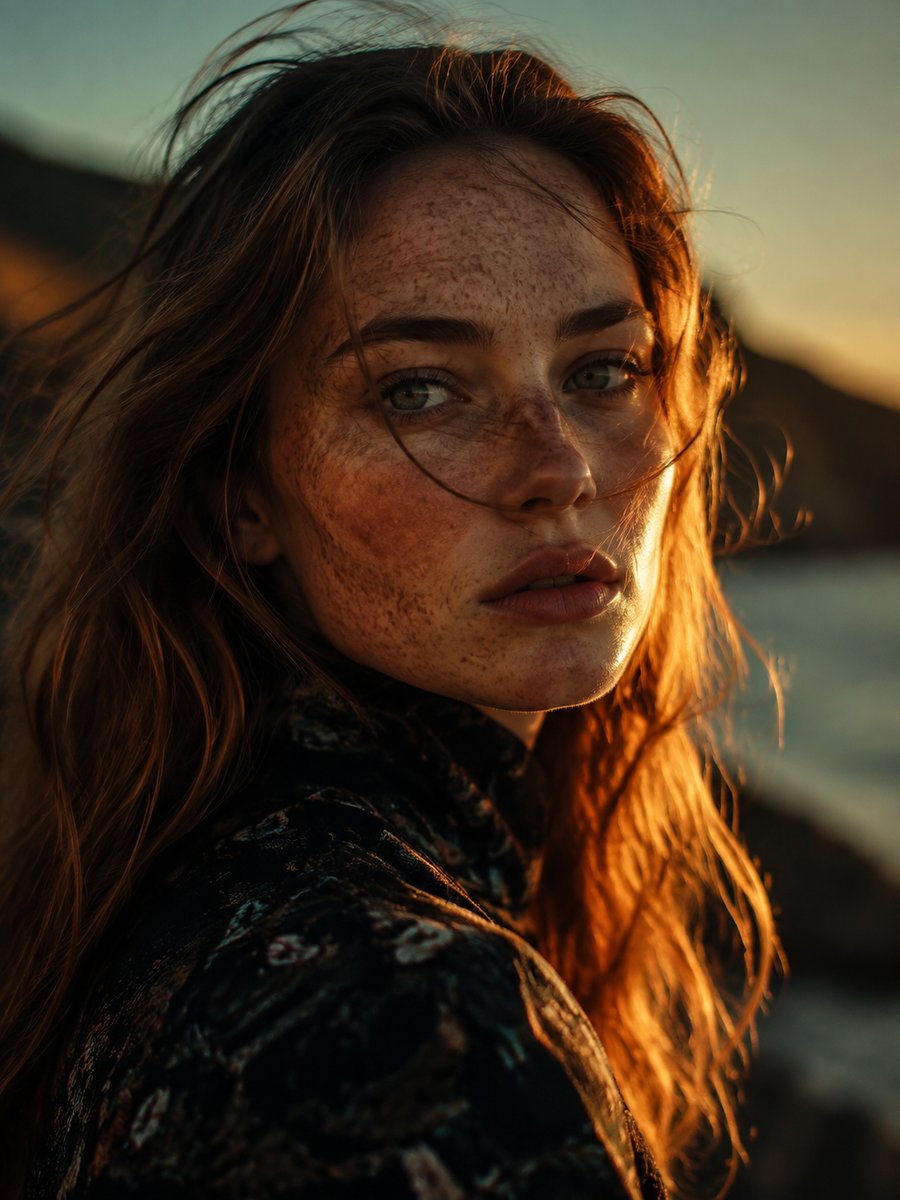
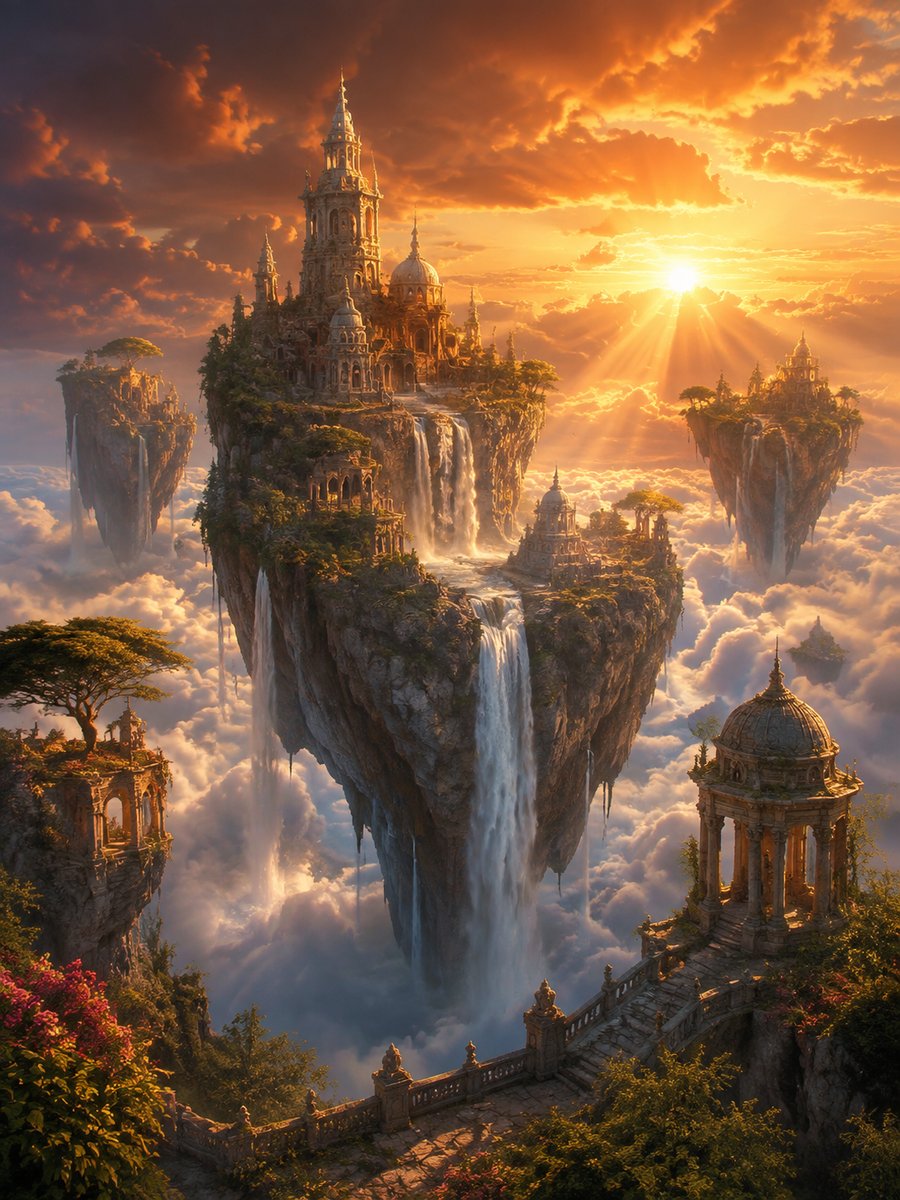
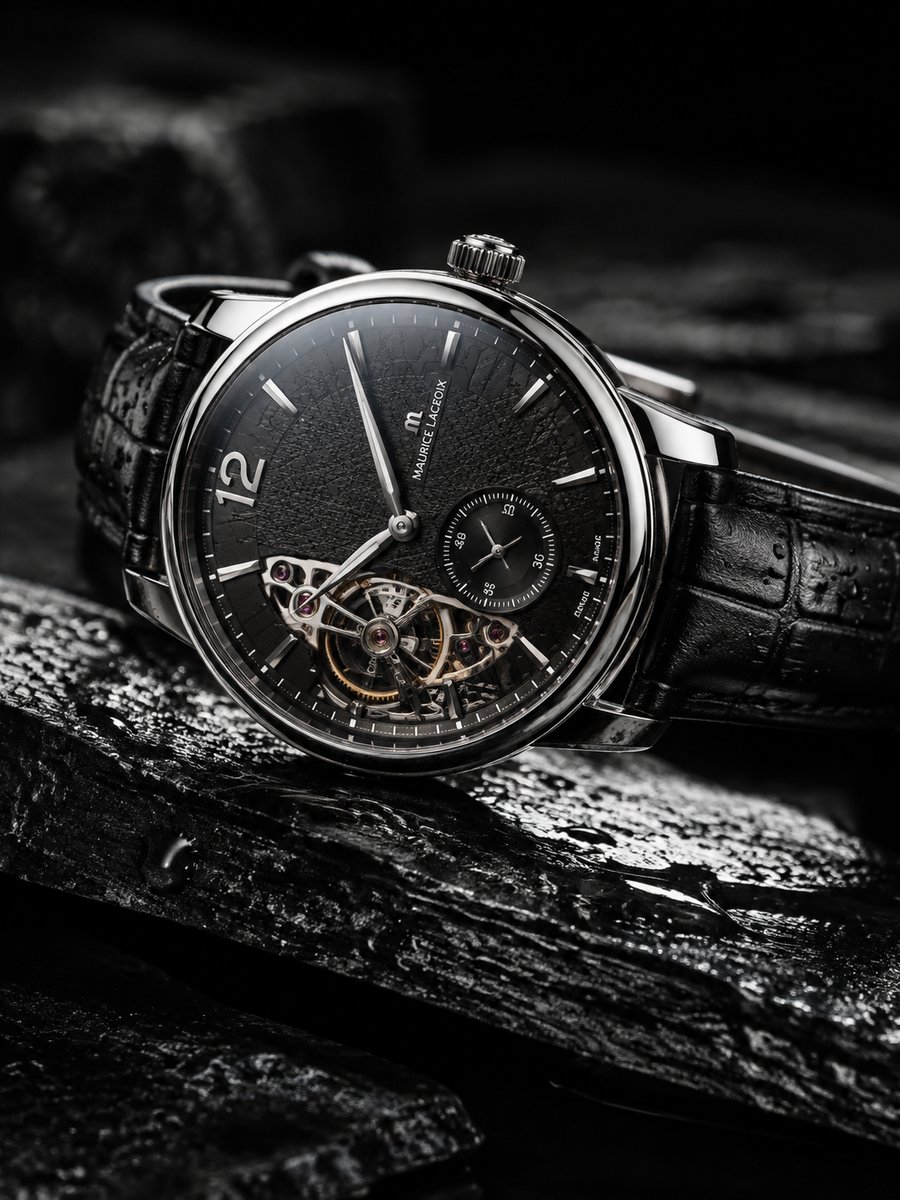
Image to Image
Restyle or edit any photo while preserving its composition. Change backgrounds, styles, objects, and colors with a few words.
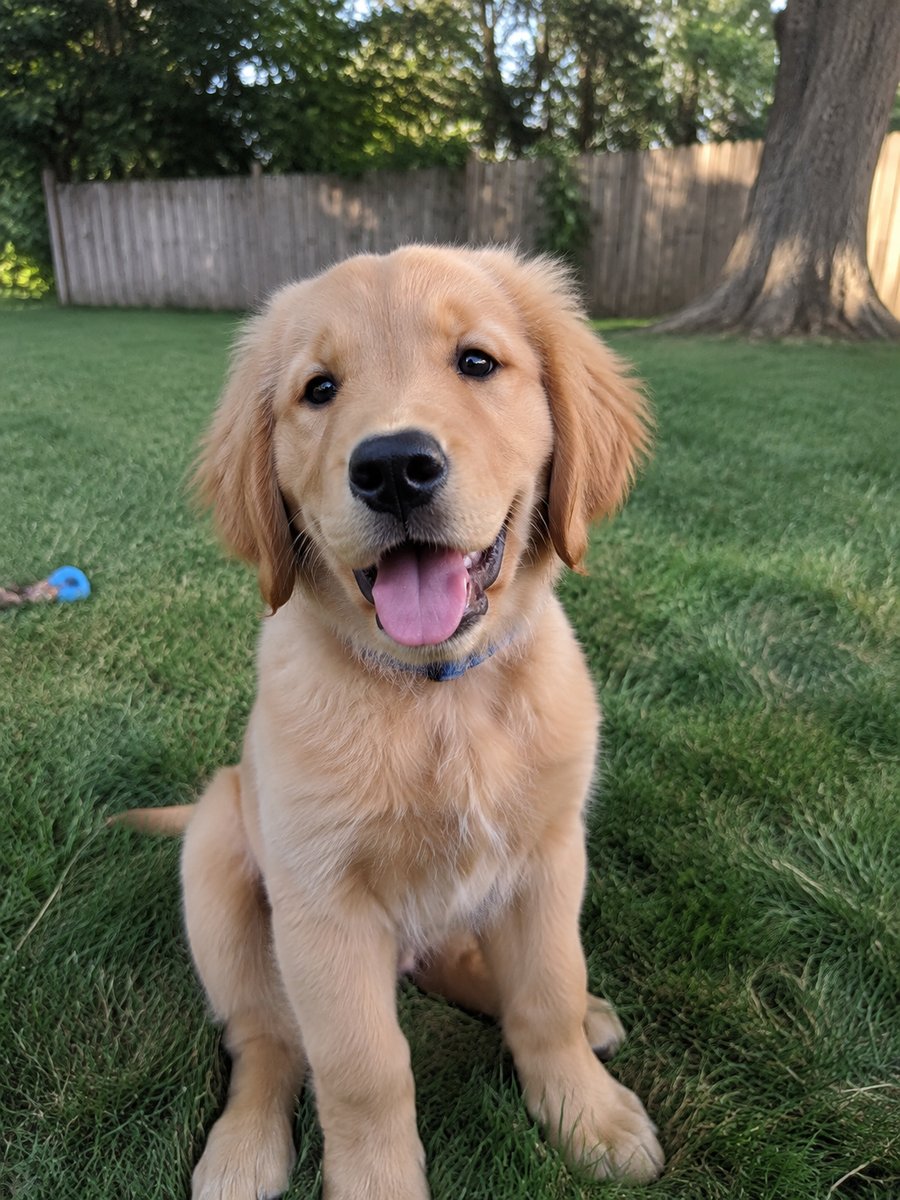
 BeforeAfter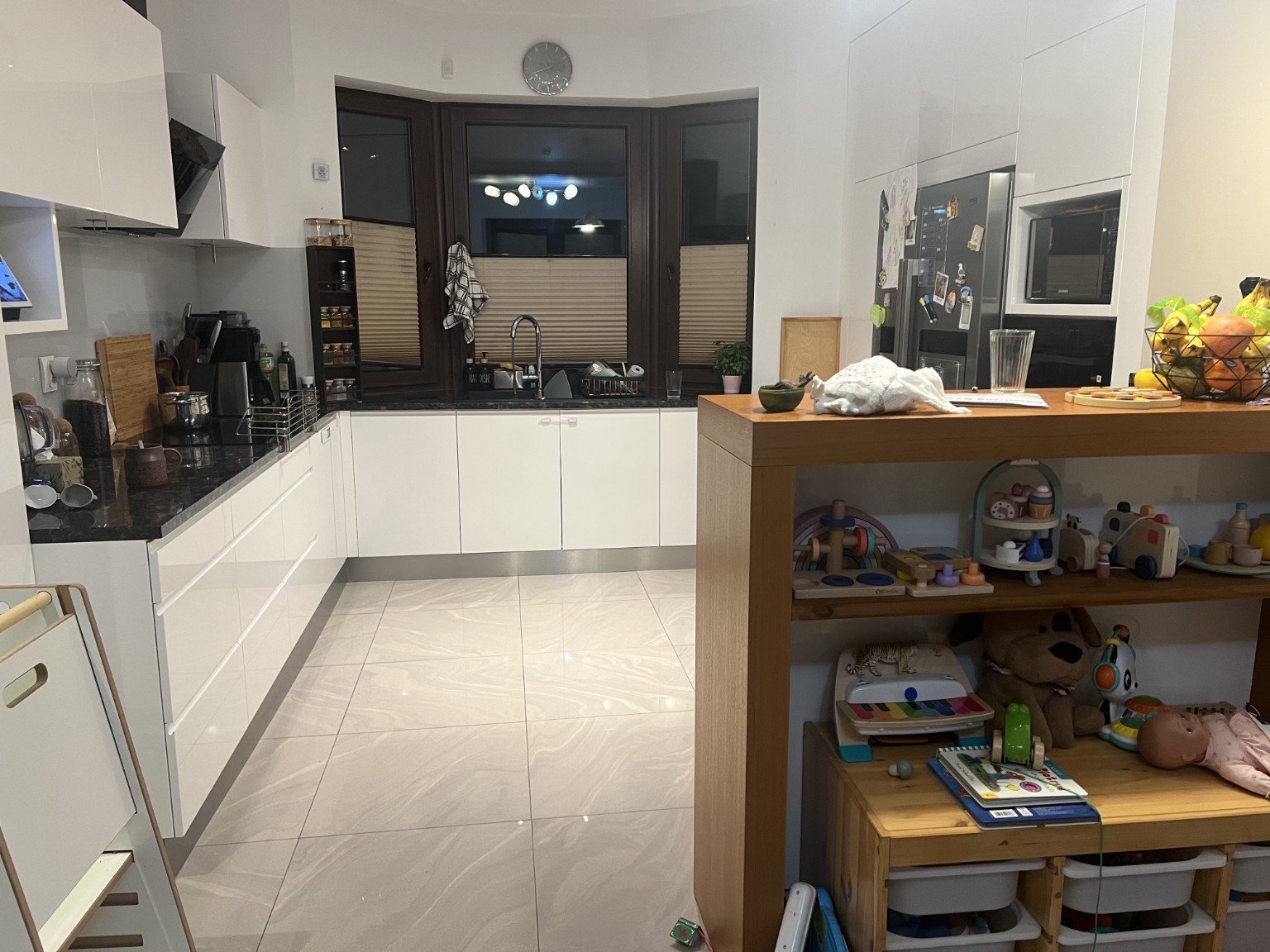
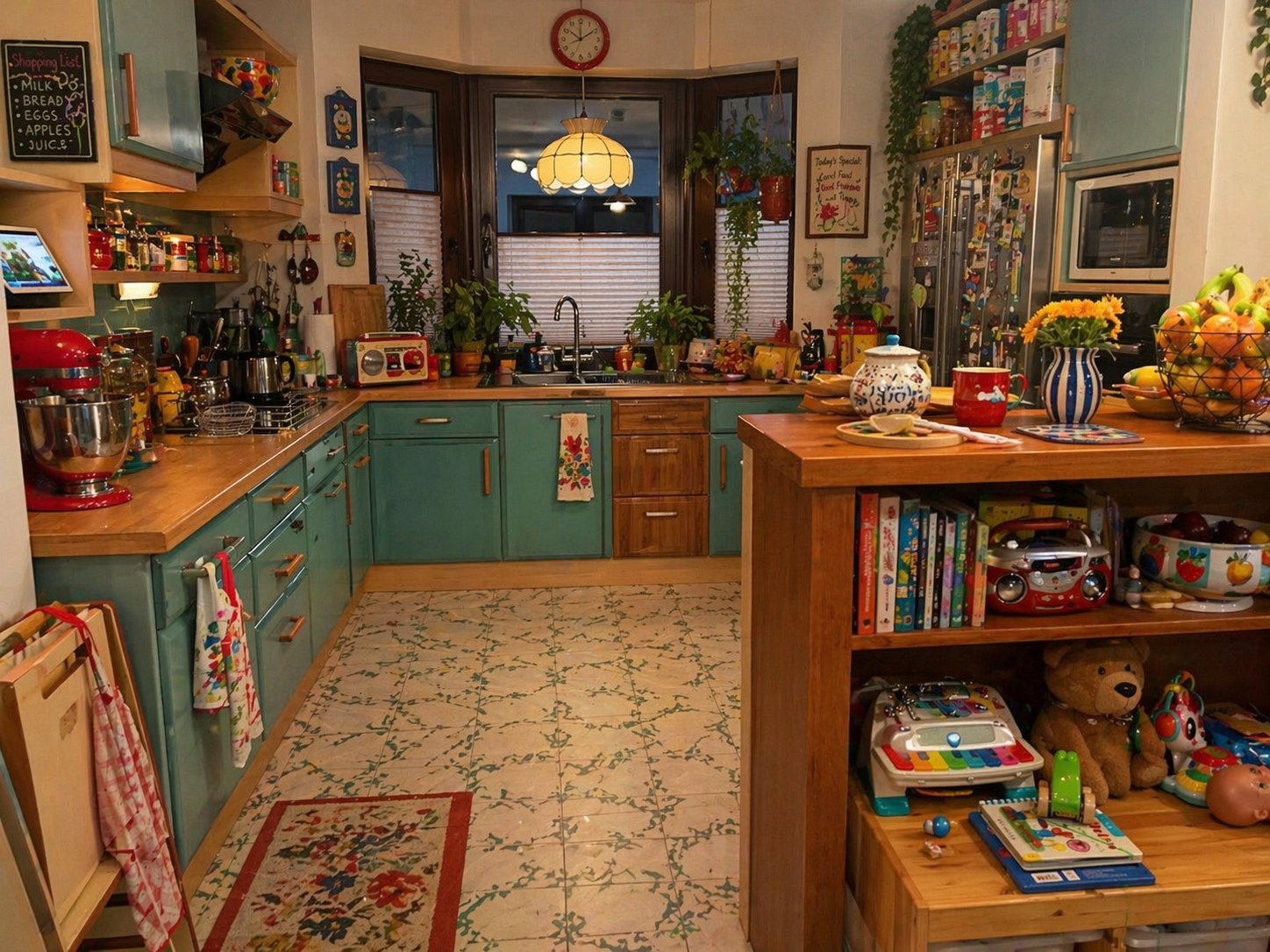 BeforeAfter
 BeforeAfter
Why Choose FastMoro AI
FastMoro AI combines industry-leading AI models, creative tools, and intuitive workflows all in one studio. Whether you are crafting cinematic videos, animating portraits, or generating promotional artwork, bring your creative ideas to life faster and better.
Unified Studio for Video & Image Creation
From text-to-video and image-to-video to high-resolution image creation and AI photo editing, FastMoro AI provides a cohesive toolkit tailored for storytellers, marketers, and visual creators across all media.
Powered by Leading AI Models
FastMoro AI integrates a wide range of advanced AI models, including Seedance, Wan 3.0, Veo, MiniMax, and GPT Image, giving you flexible generation powers and consistent aesthetic control in one place.
Effortless Prompt-to-Content Workflows
Turn your prompts and reference assets into production-ready content with ease. FastMoro AI simplifies the creative process with responsive controls and fast, high-performance rendering.
Built for Modern Creative Workflows
Whether you are creating content for social media, digital advertising, commercial storytelling, or indie projects, FastMoro AI adapts to your creative goals with powerful, scalable solutions.
How FastMoro AI Works
From idea to finished creation in four clear steps.
Choose a Model, Tool, or Effect
Pick the capability that fits your idea: a leading video or image model, a practical single-task tool, or a trending AI effect with ready-made presets.
Add Your Prompt or Media
Type a prompt, upload a photo, or provide reference images to give the Studio the context it needs.
Configure Your Settings
Choose the aspect ratio, duration, resolution, and other available settings that fit your project.
Generate and Continue Editing
Get your result in minutes, then keep refining it with other models and tools, or download and share it anywhere.
FastMoro AI Video and Image Generator FAQ
Learn how FastMoro AI models, workflows, settings, credits, and usage rights work before you start creating.
Featured On